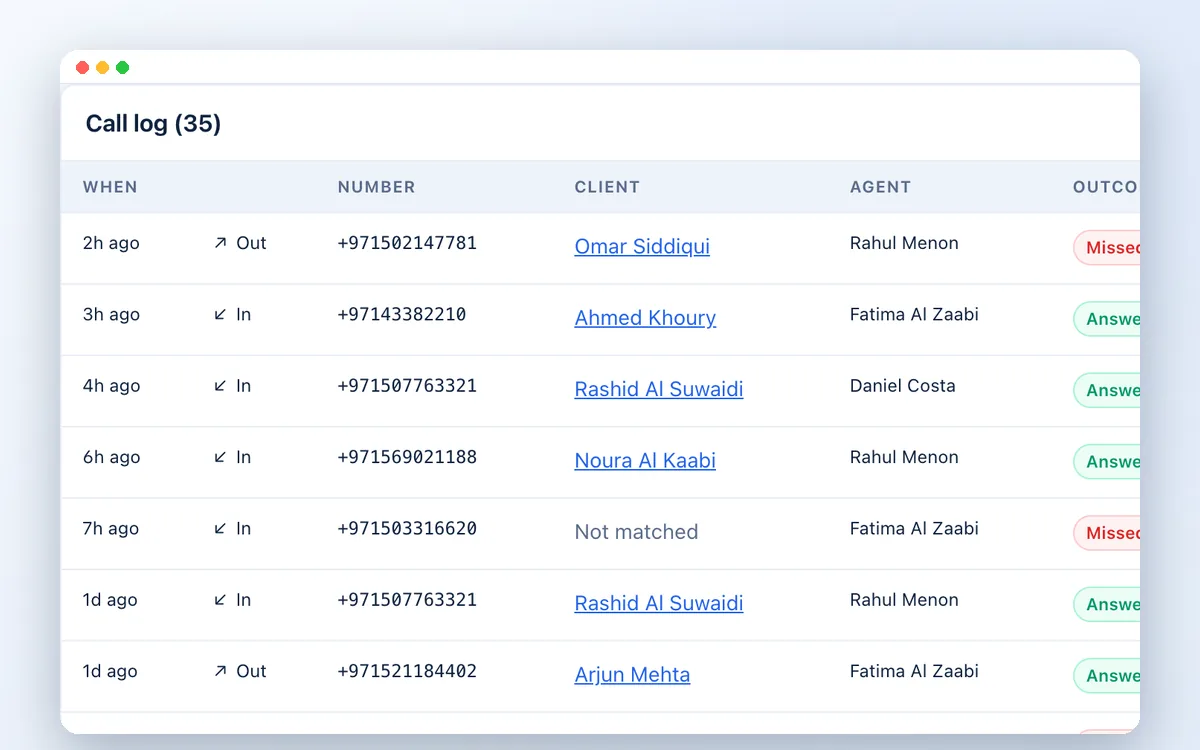
Automatic call log
Direction, agent, time, duration and outcome on every client record, with no typing.

Phone calls, recorded automatically
Your team talks to clients all day, but calls rarely make it into the CRM. Connect your cloud phone system and every call is logged on the right client automatically, with the agent, the duration, the outcome and the recording.
Why connect your phones
Typing call notes after every conversation is the first habit to slip. Missed calls from clients go unanswered because nobody knows they happened.
With the integration, the phone system tells the CRM about each call as it ends. The CRM matches the number to the client, records it on their file and turns a missed call into a call-back task for the right person.
What you get
Direction, agent, time, duration and outcome on every client record, with no typing.
+971 50…, 00971 50… and 050… all match the same client, so calls land on the right record.
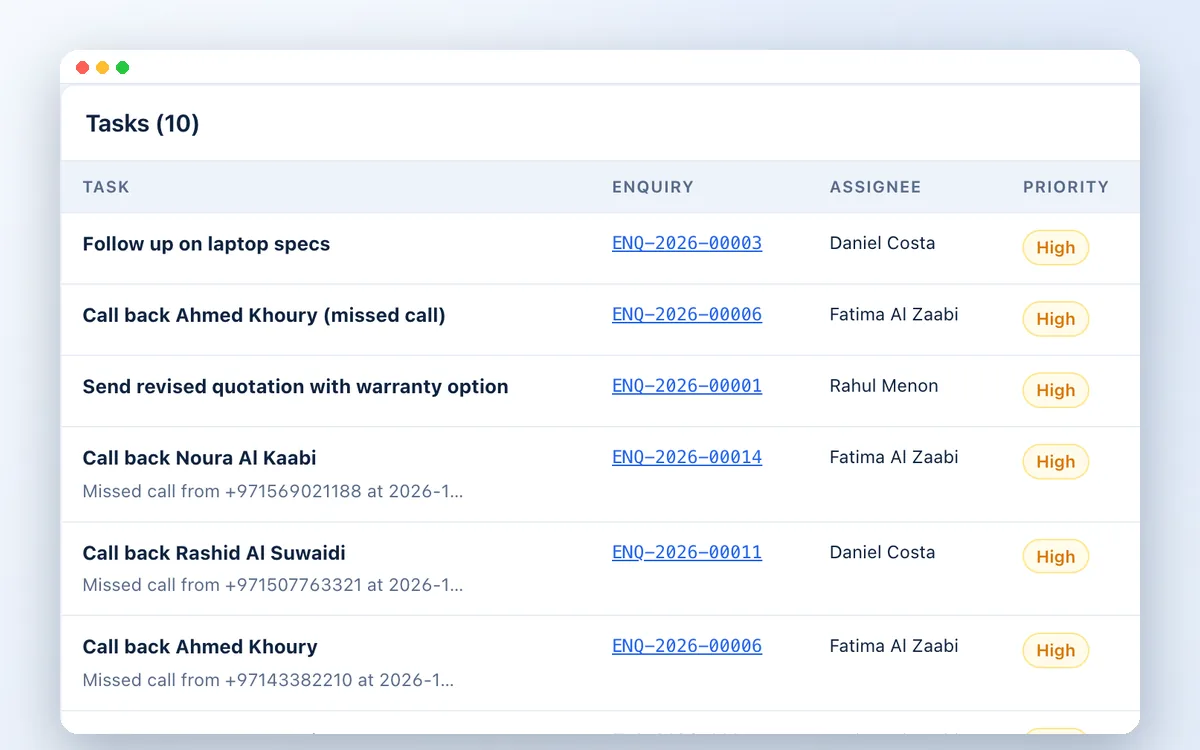
A missed call from a client creates a high-priority call-back task for their owner.
Play the provider's call recording from the client record.
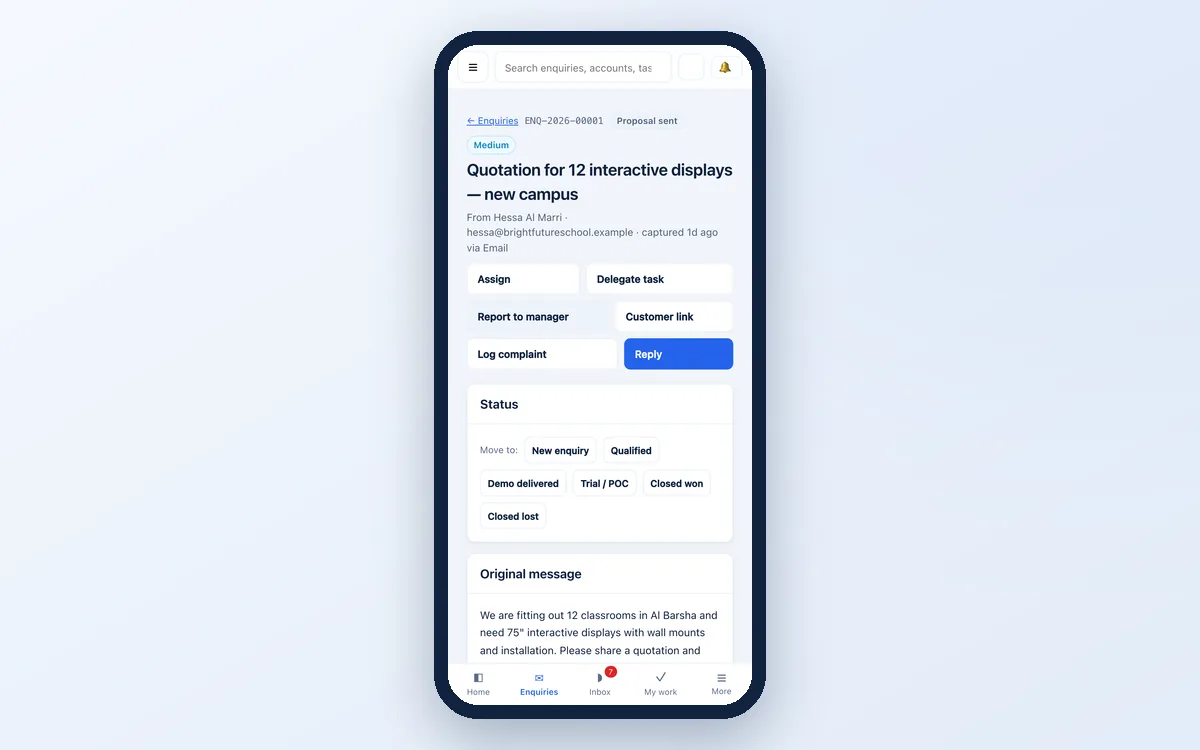
Call a client from their record: on a phone it opens the dialler, on a PC the phone system can ring the agent first.
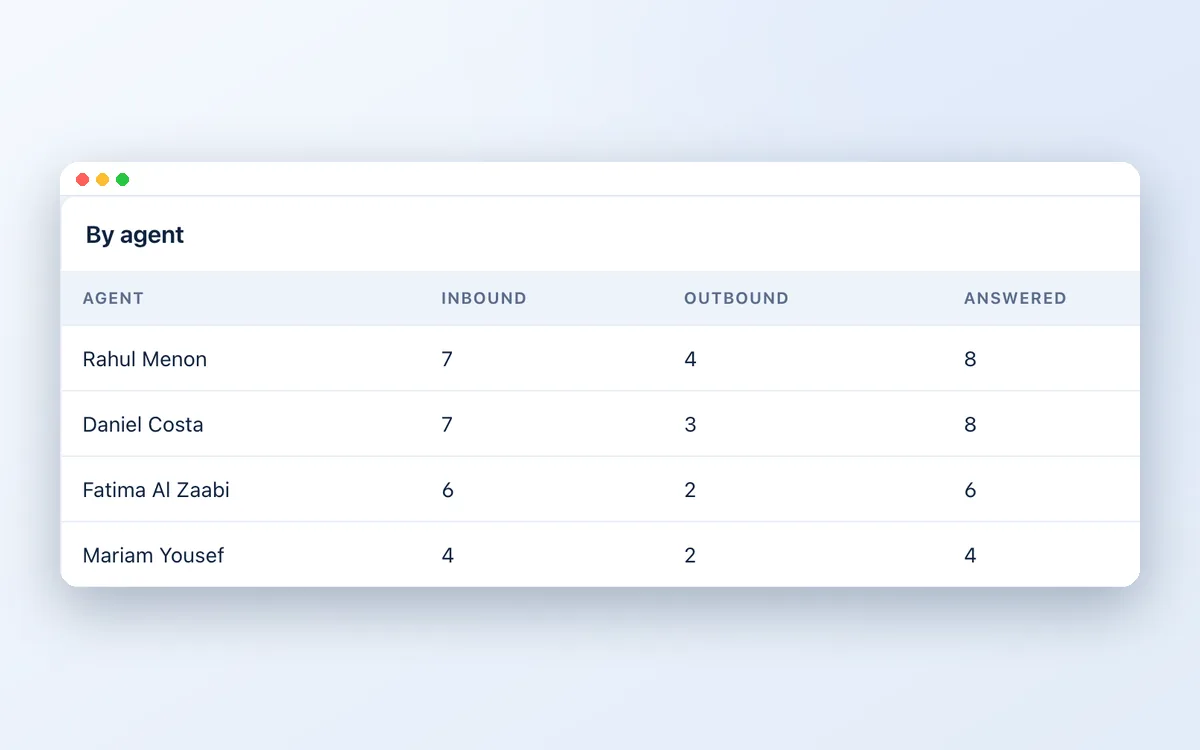
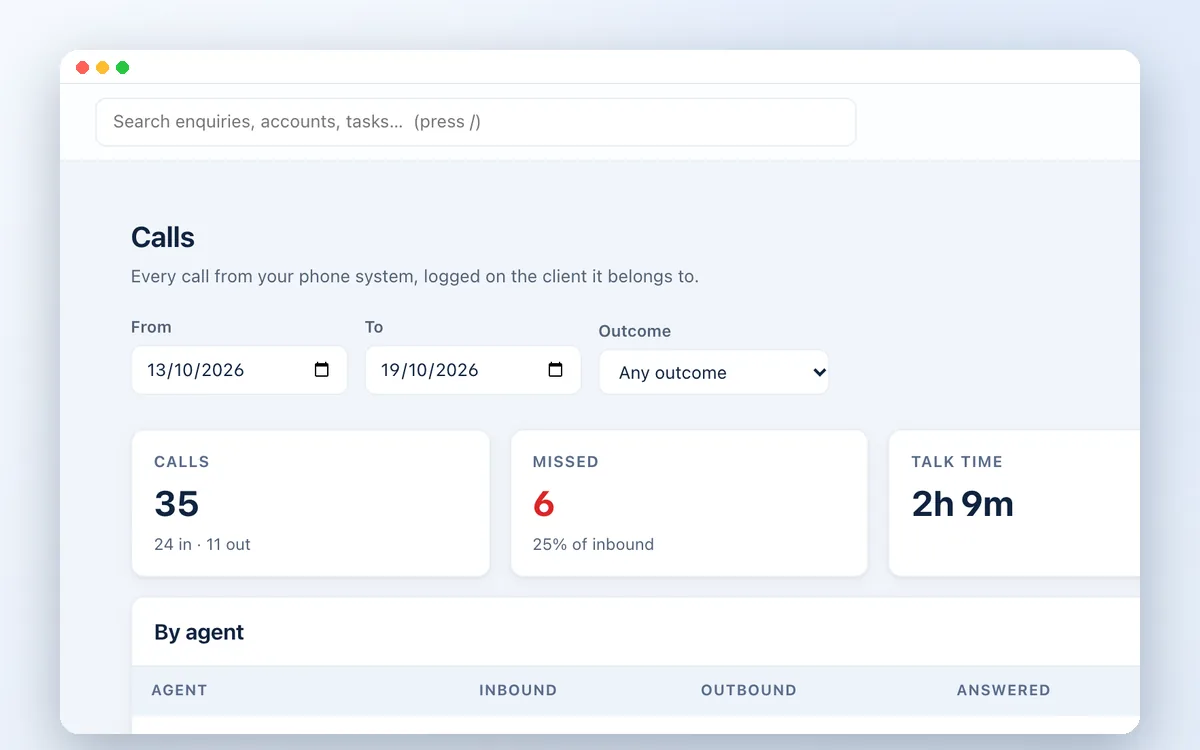
Calls made, answered and missed, and talk time, per agent and per team.
Supported systems
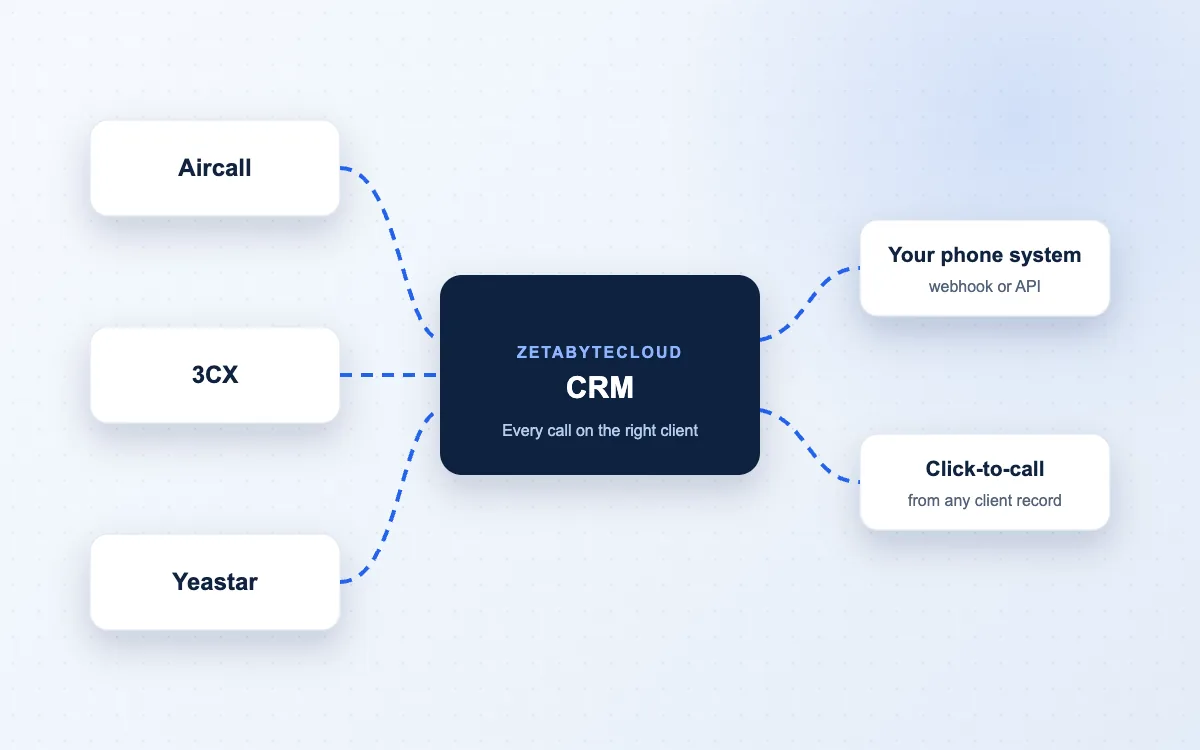
Aircall, Yeastar P-Series and 3CX, plus a documented format any system can send.

Most cloud phone systems offer webhooks or an API. We review yours and add a connection.
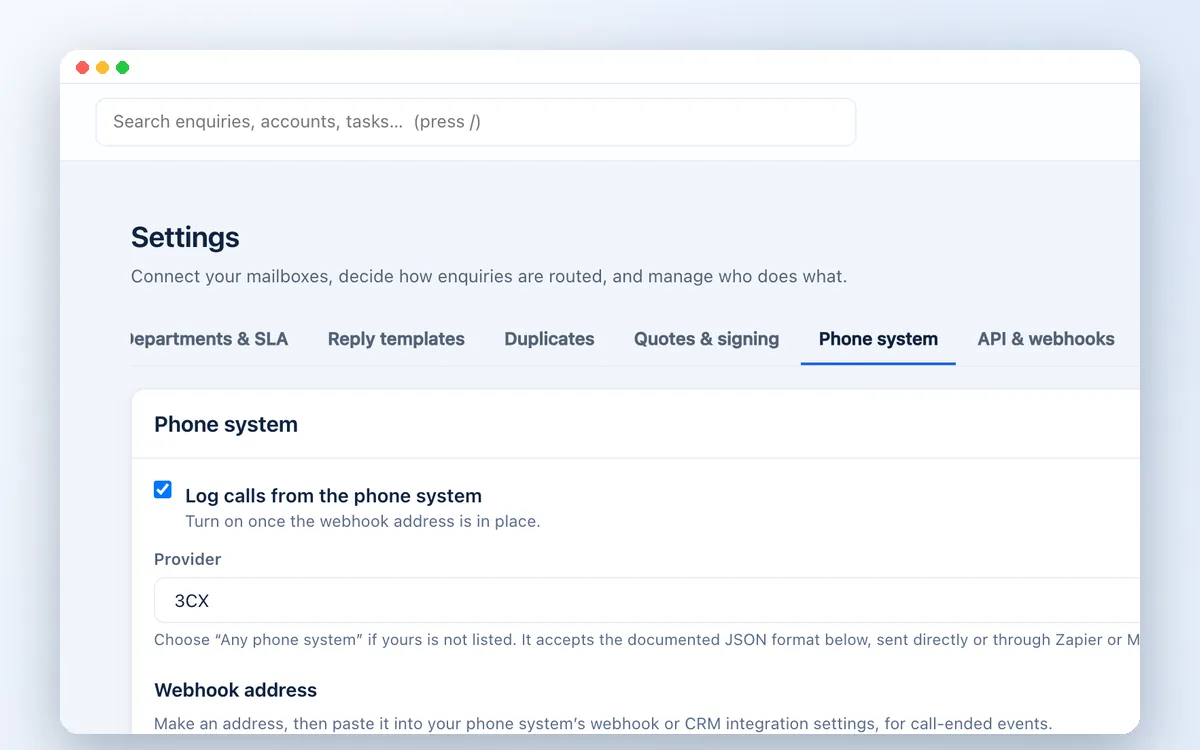
Each workspace has its own secret webhook address, which can be replaced at any time.
A few useful answers
Aircall, Yeastar P-Series and 3CX have ready connections, and any system that can send a webhook can use the generic format. Tell us your provider and we will confirm.
Recordings stay with your phone provider, under its retention settings. The CRM keeps the link so authorised users can play them from the client record.
The integration is part of the CRM setup. Your phone system subscription is paid to your provider as today.
Generally yes. Your phone system should play a recording notice; your business sets the recording policy and the CRM applies it.
Related solutions
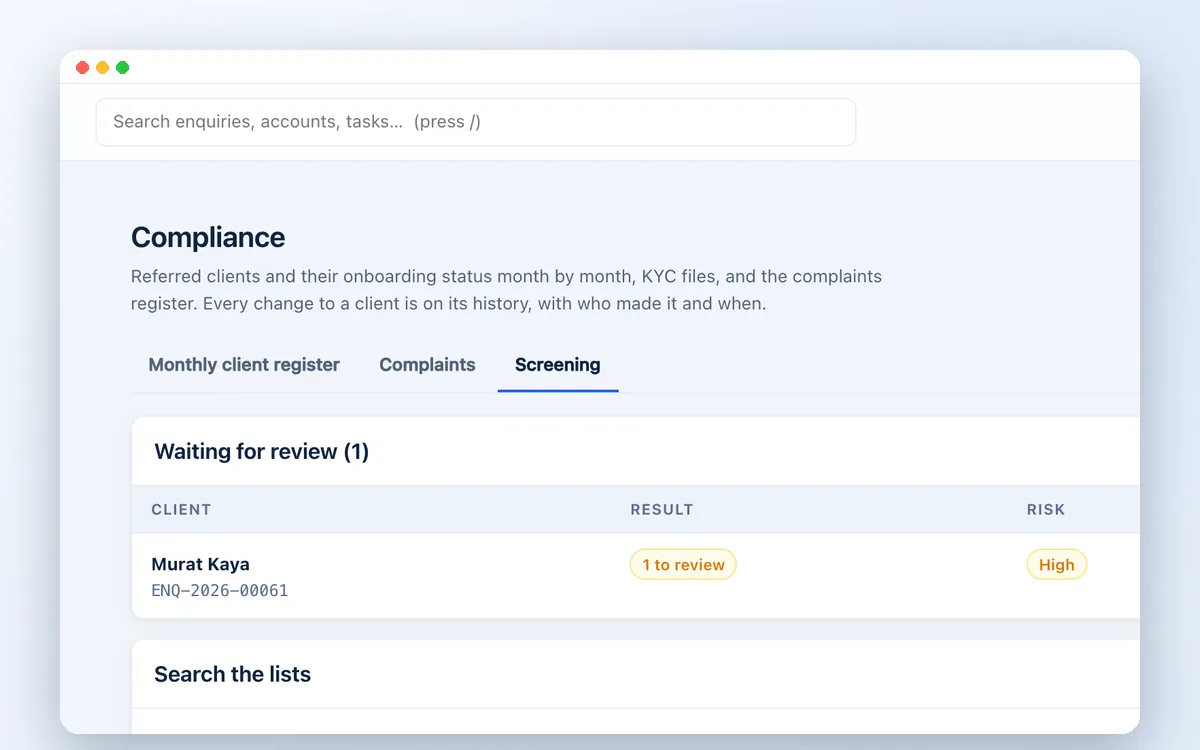
Screen every client against UN, US OFAC, EU and UAE sanctions lists, PEP and criminal watchlists and adverse media, inside your CRM. Built for UAE compliance teams.
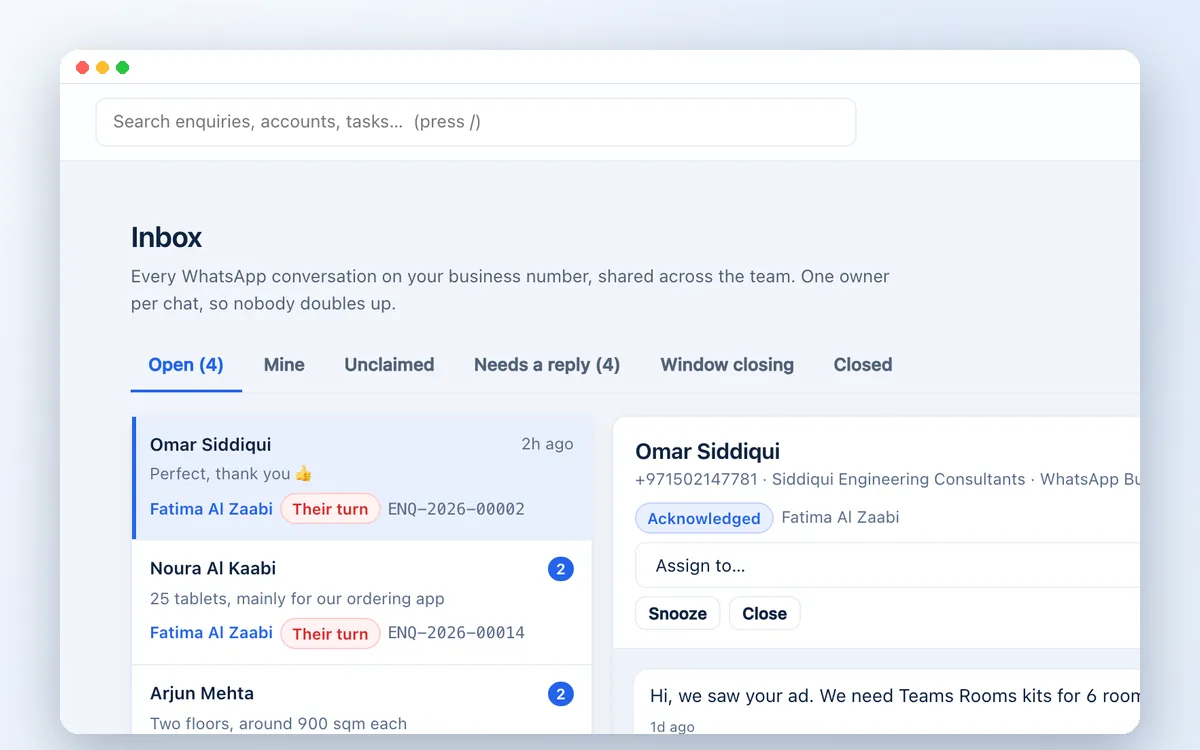
Run WhatsApp sales and support from one shared business number. Assign chats, track follow-ups and turn conversations into quotes with Zetabytecloud CRM.
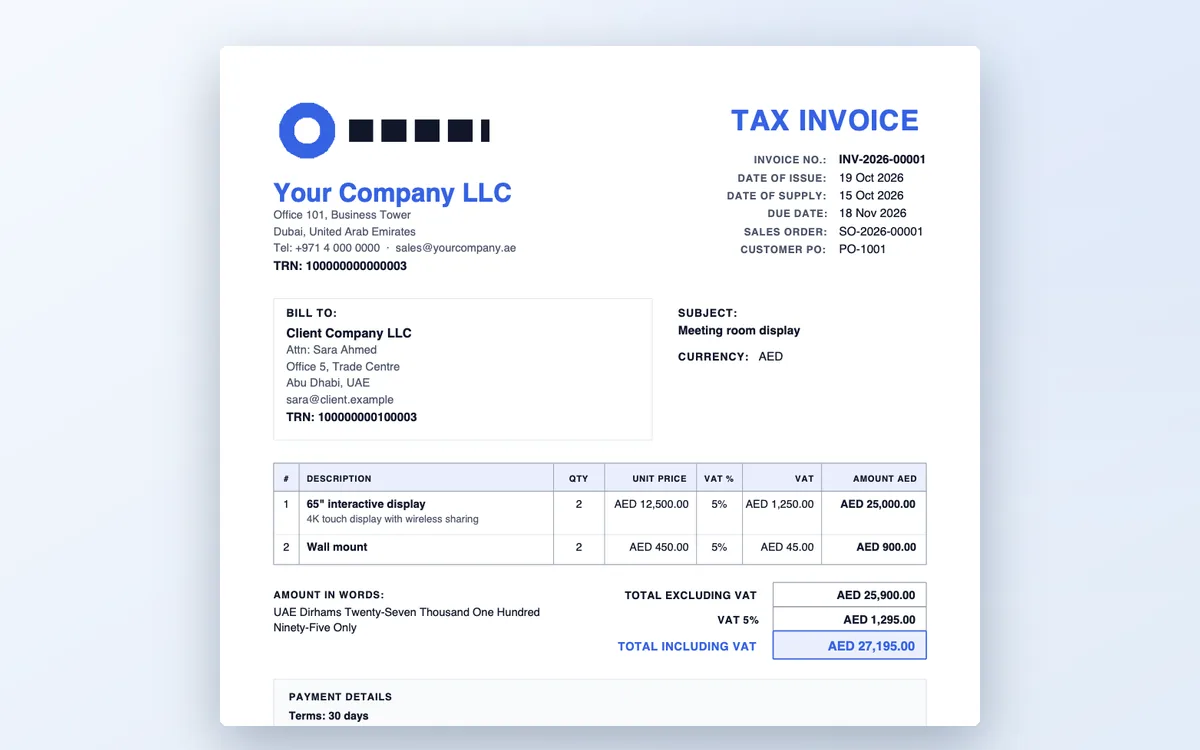
A CRM for UAE trading companies: enquiries, VAT quotations with your TRN, sales orders with margin, client KYC and sanctions screening in one system.

Guides on UAE compliance, sales and CRM for growing businesses.
Let’s move your business forward
Book a short demo. Tell us your team size, channels and what you need to check.