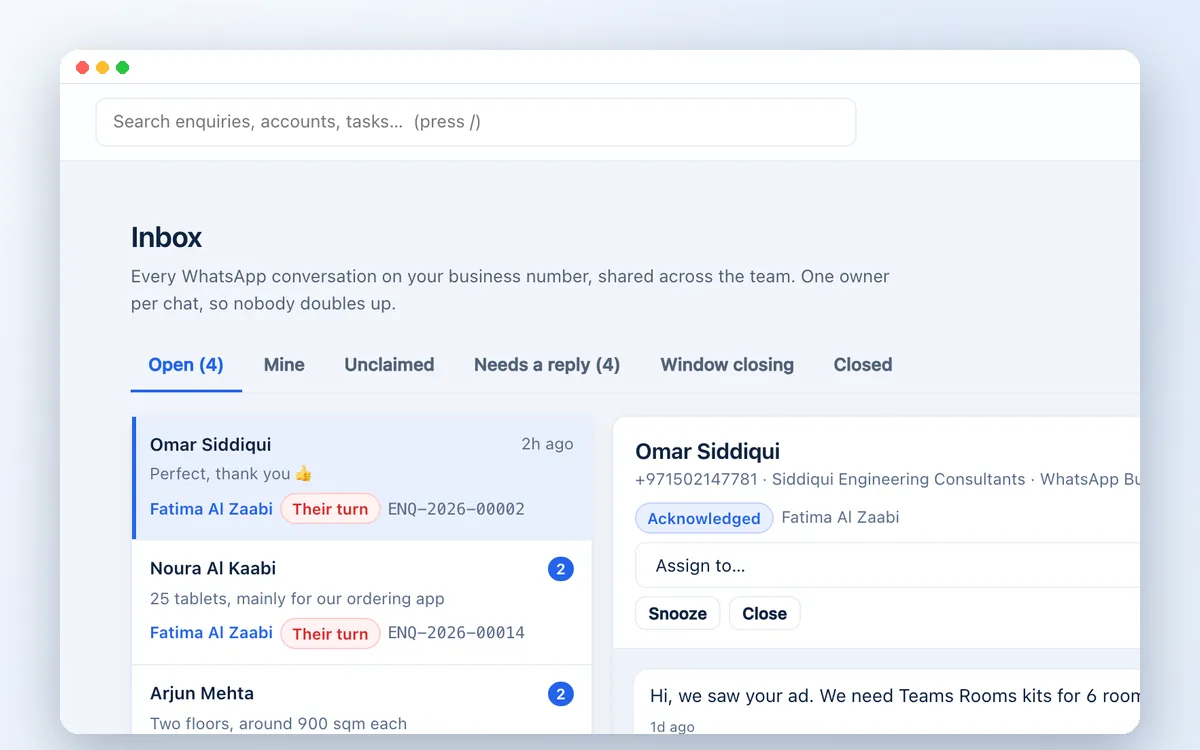
Shared inbox
All WhatsApp conversations in one place, with unread counts, ownership and delivery and read receipts.

WhatsApp Business, organised
Customers in the UAE message before they email. Give your team one shared WhatsApp business number, a clear owner for every chat, and a full history next to the client record, instead of conversations locked inside individual phones.
The problem with personal phones
When sales happen on personal WhatsApp accounts, managers cannot see what was promised, follow-ups depend on memory and the conversation leaves with the employee.
Zetabytecloud CRM connects to the WhatsApp Business Platform, so every message lands in a shared inbox, linked to the enquiry, the quotation and the rest of the customer's history.
What your team gets
All WhatsApp conversations in one place, with unread counts, ownership and delivery and read receipts.
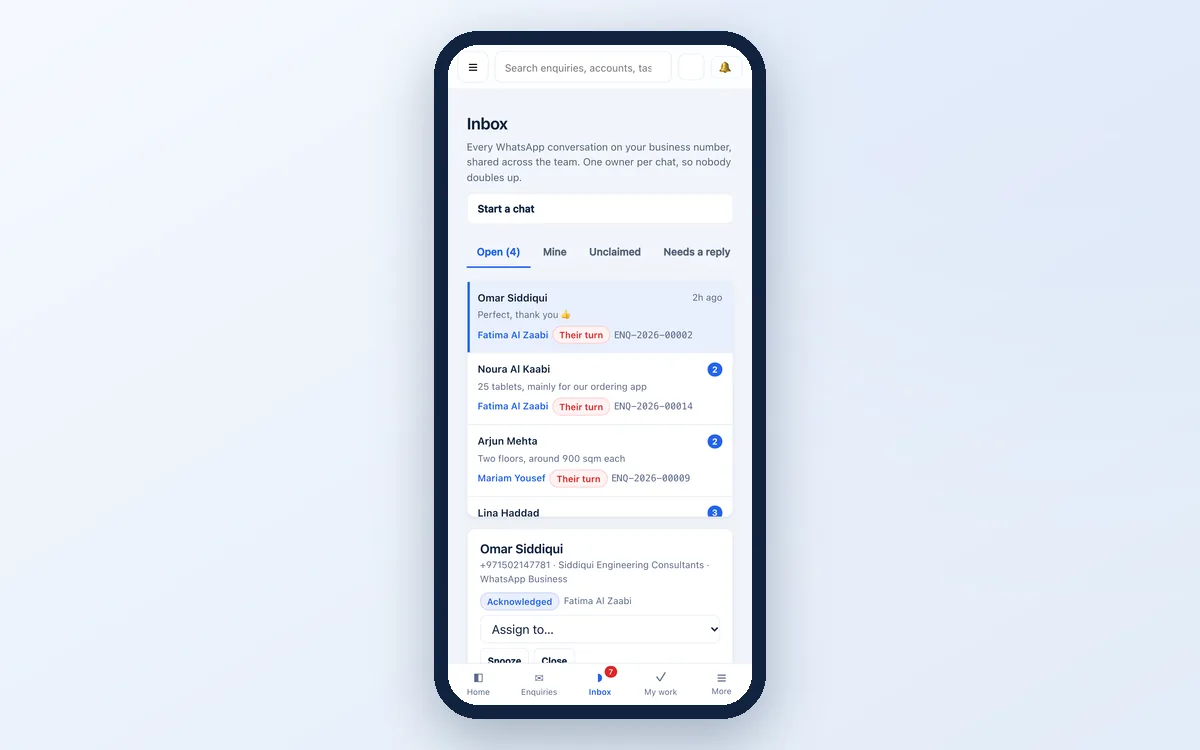
Claim a chat or assign it to a colleague. Snooze conversations and see the ones waiting on a reply.
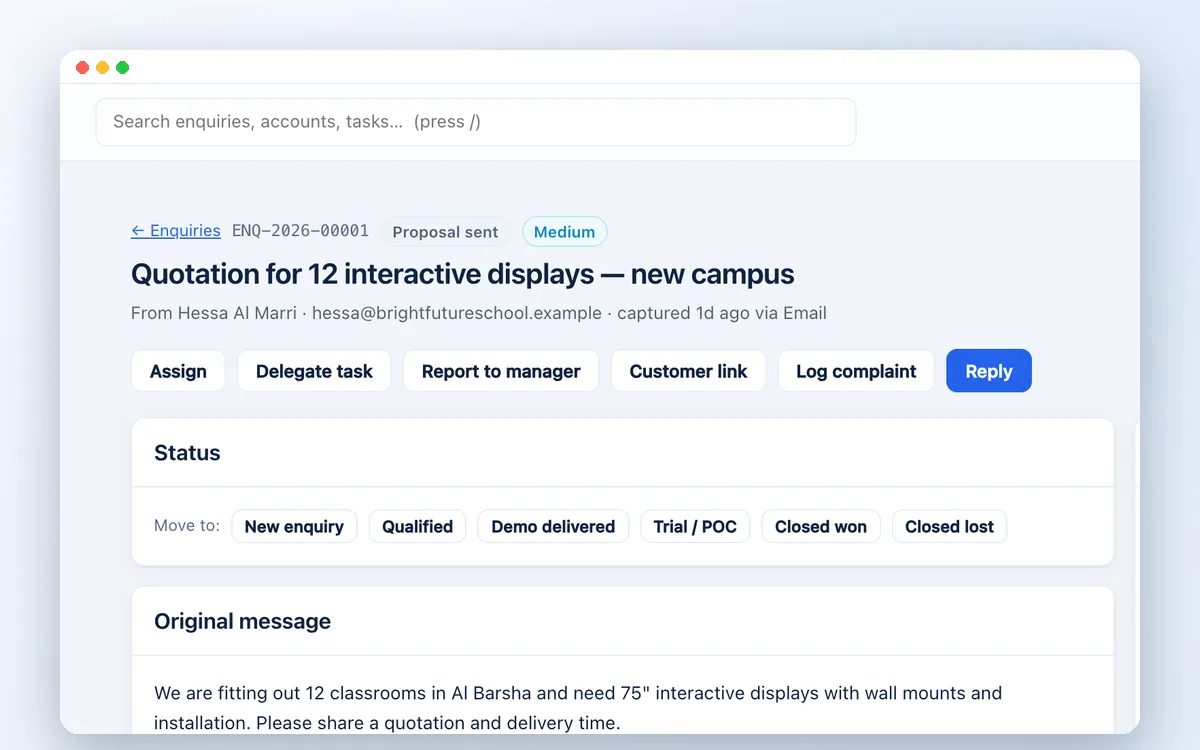
Each conversation is connected to the enquiry, contact, tasks and quotations, so anyone can pick up the thread.
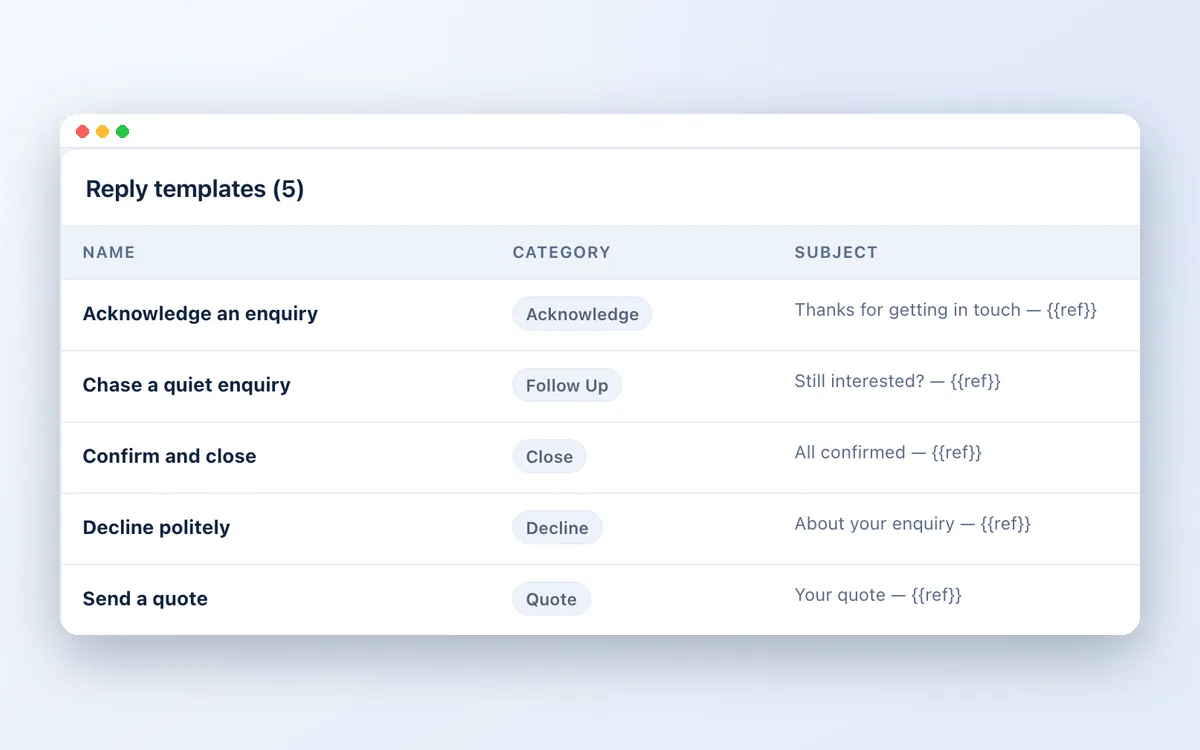
Choose approved message templates when the 24-hour customer service window has closed, with the window shown on screen.
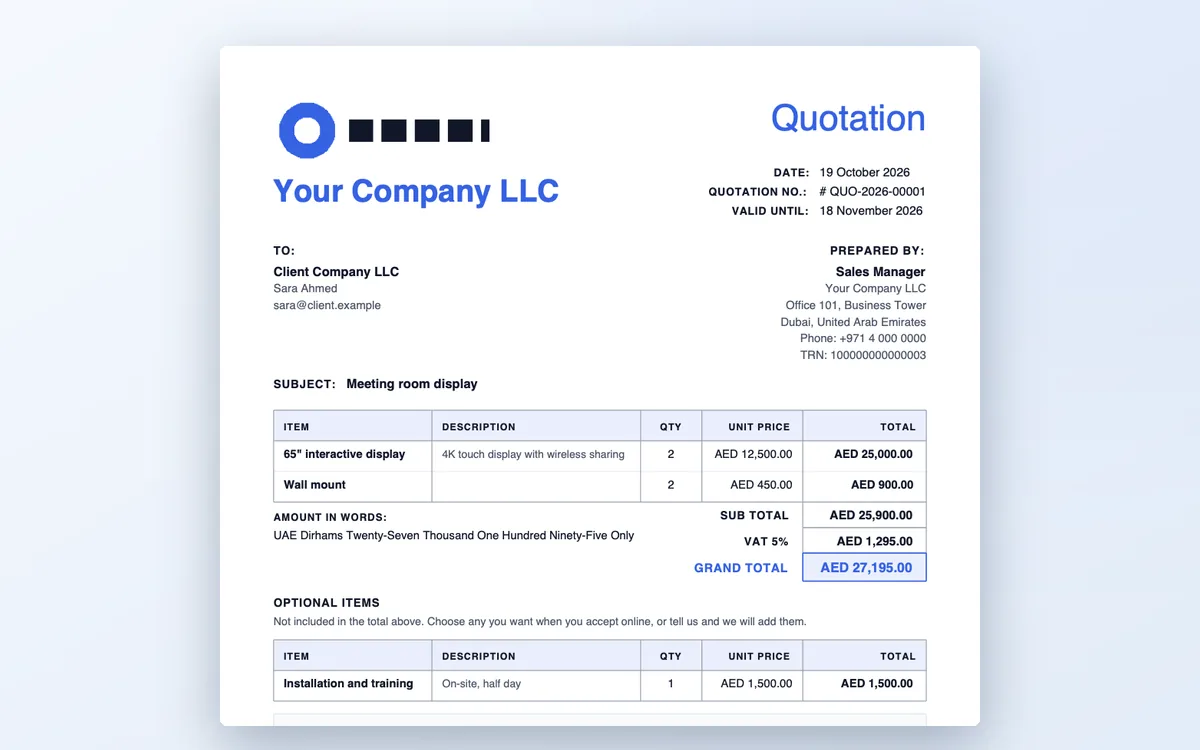
Send a quotation link by WhatsApp; the customer reviews and accepts online, and the deal moves to won.
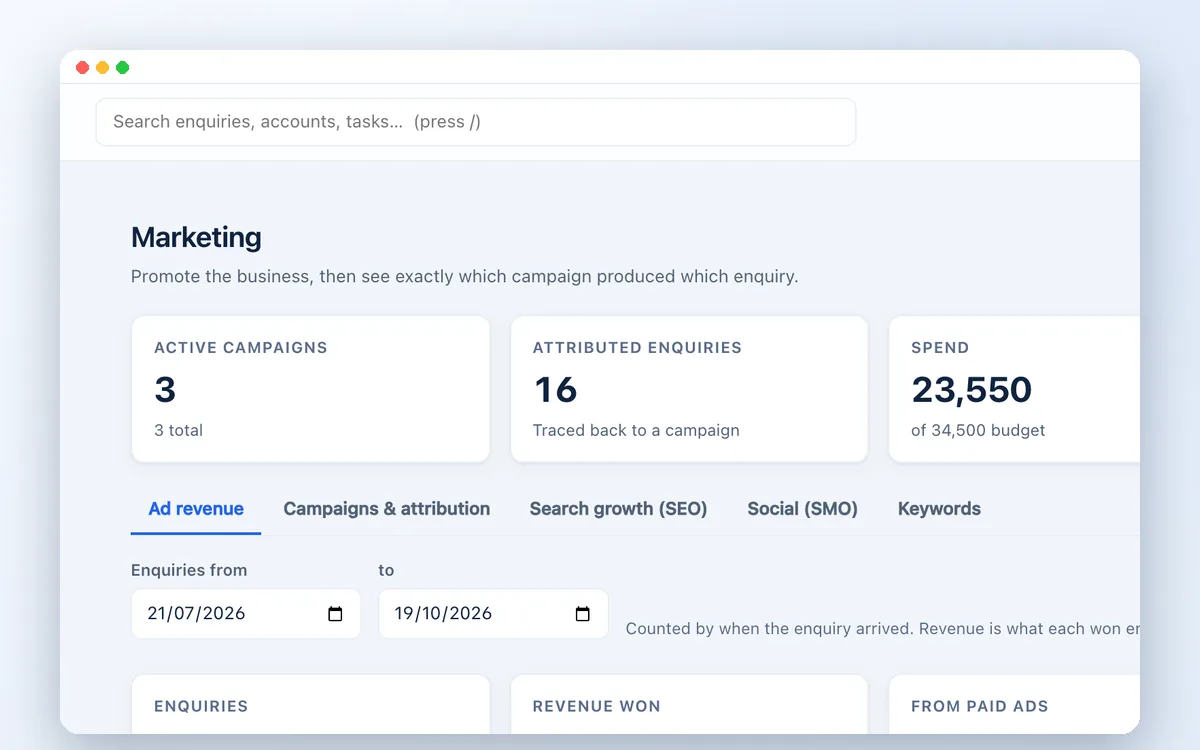
See which Meta ads and campaigns started each conversation, and what they turned into.
Getting started

You connect a verified Meta Business account and a WhatsApp business number.
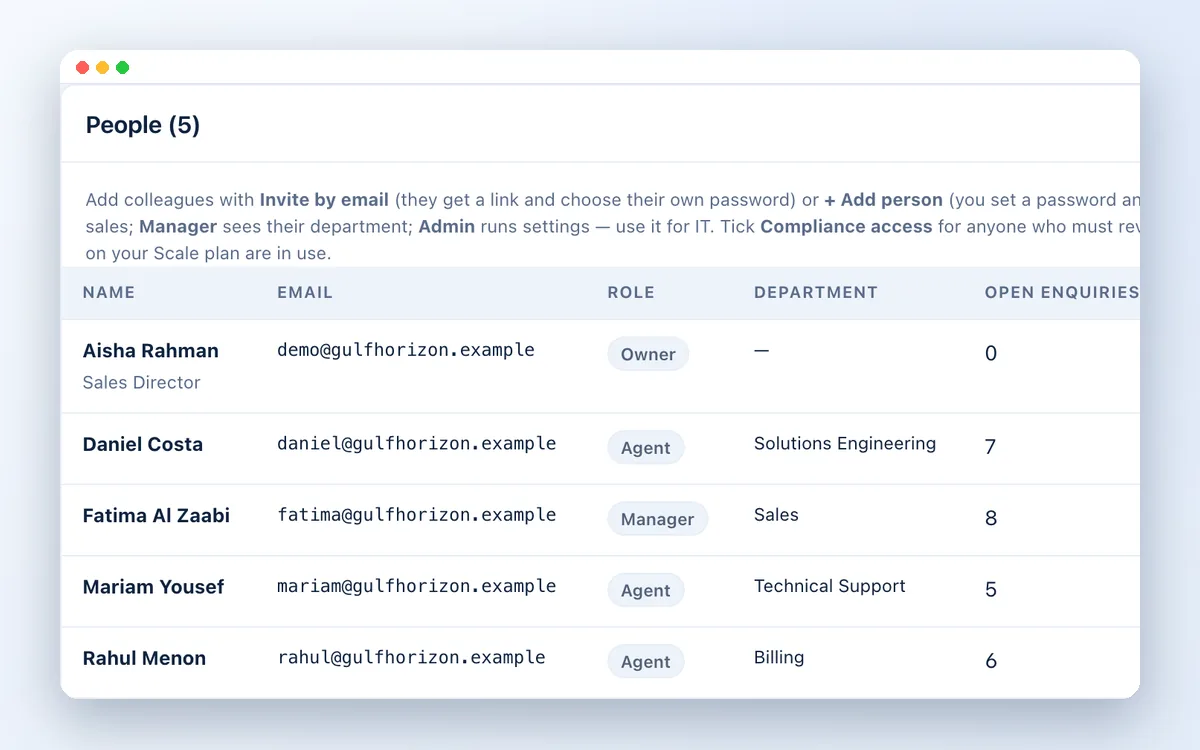
Add your agents and managers, with the visibility each role needs.
We help prepare message templates for Meta's approval.
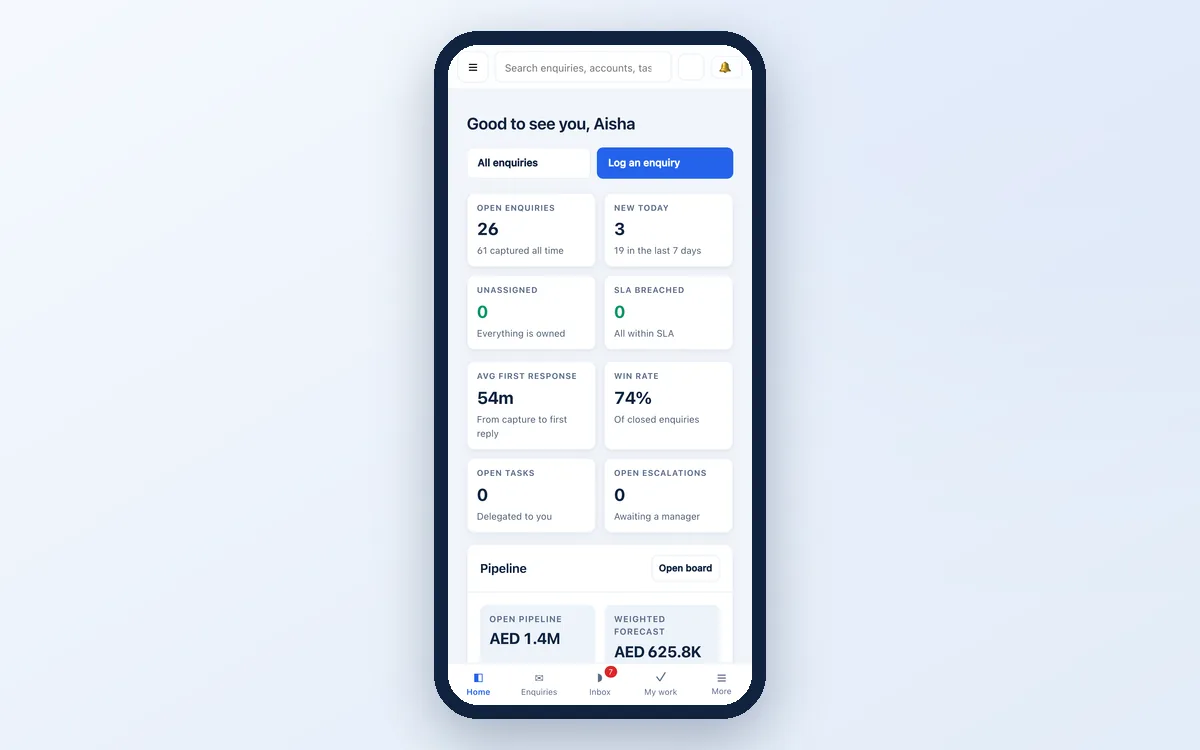
Conversations arrive in the shared inbox and on agents' phones through the CRM.
A few useful answers
Yes. A shared team inbox uses the WhatsApp Business Platform through a verified Meta Business account. Meta charges per conversation; those charges are paid to Meta directly.
Often yes, if it is migrated to the WhatsApp Business Platform. A number in use on the WhatsApp Business app has to be moved first; we will check your situation.
Yes. The CRM works in any phone browser and can be added to the home screen like an app.
Yes. WhatsApp, email, website forms and phone calls all arrive in the same CRM, routed to the right person.
Related solutions
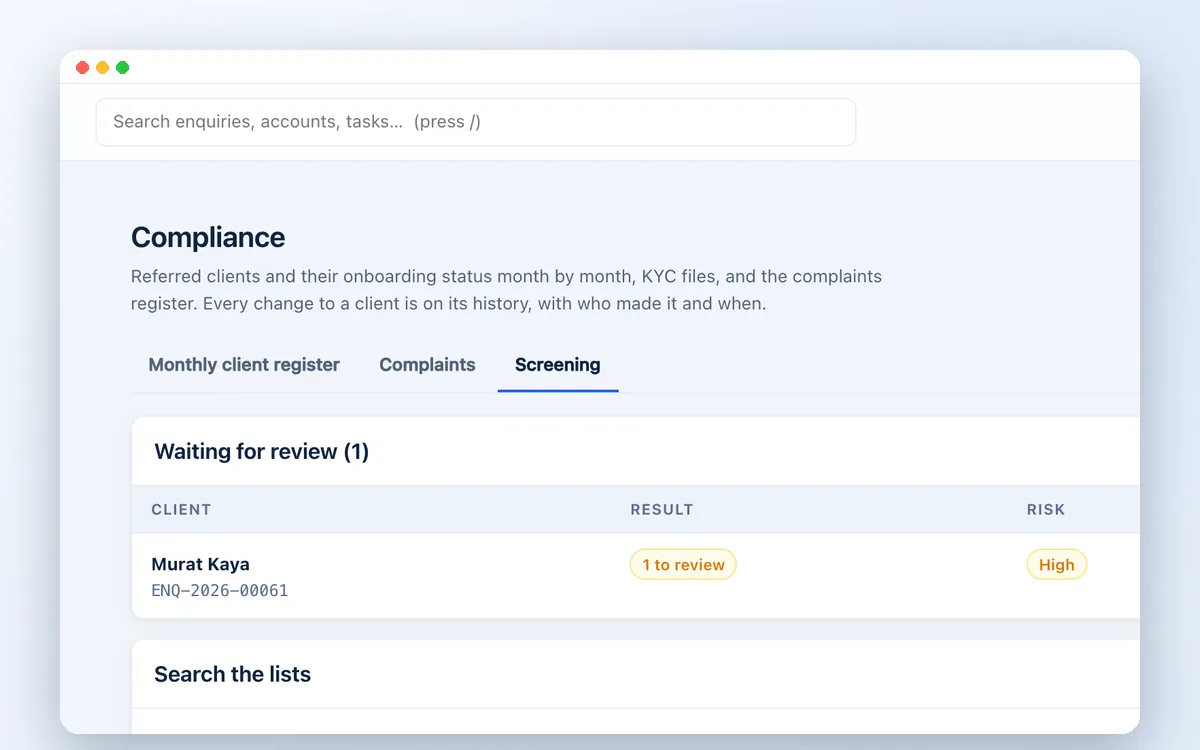
Screen every client against UN, US OFAC, EU and UAE sanctions lists, PEP and criminal watchlists and adverse media, inside your CRM. Built for UAE compliance teams.
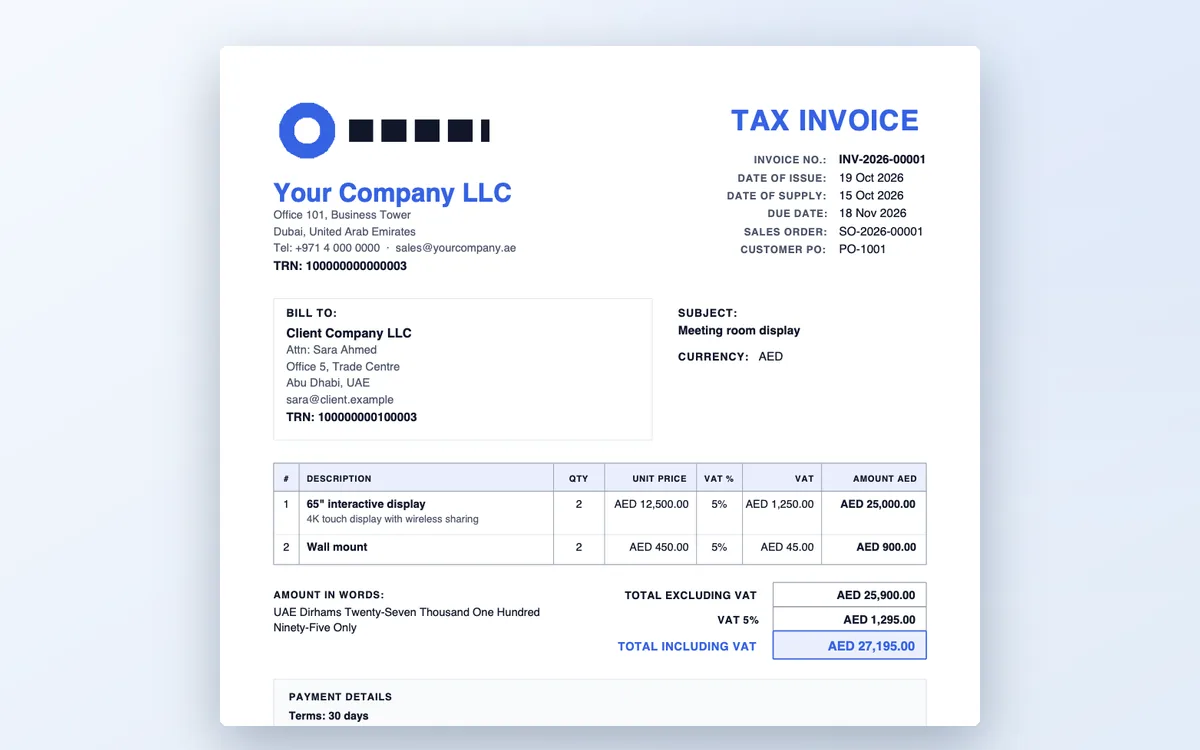
A CRM for UAE trading companies: enquiries, VAT quotations with your TRN, sales orders with margin, client KYC and sanctions screening in one system.
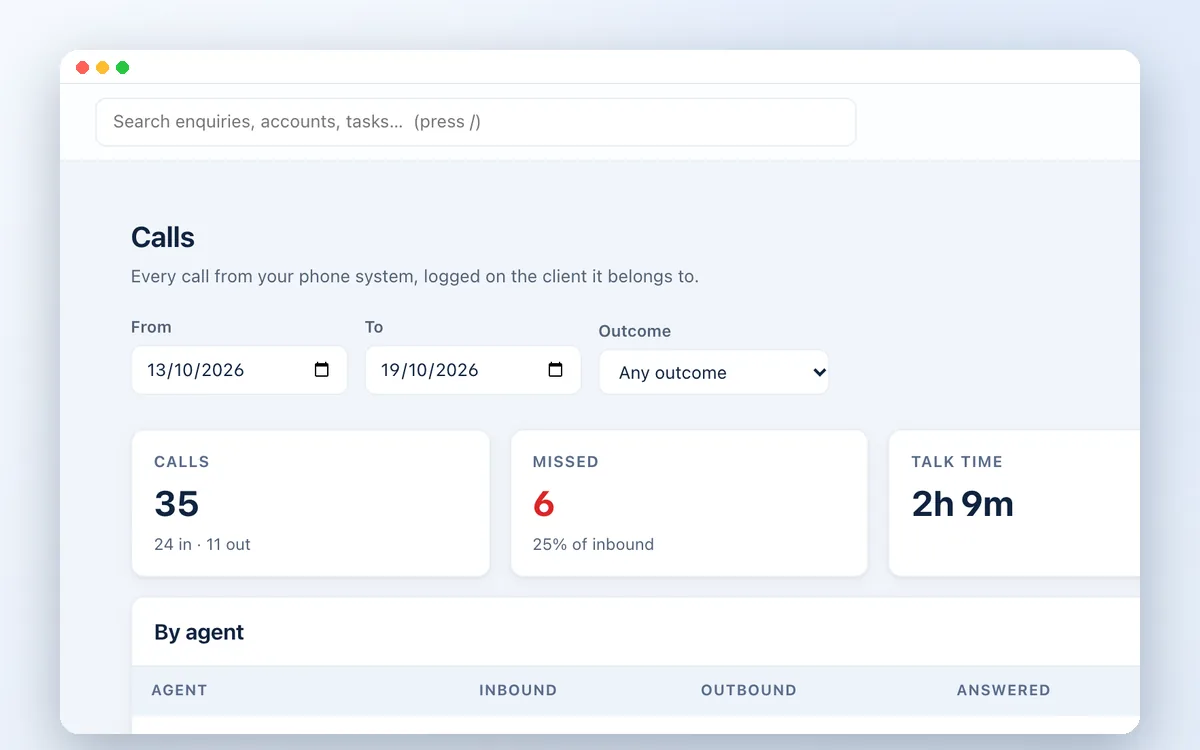
Connect your cloud phone system to Zetabytecloud CRM. Every call logged on the right client, missed calls followed up, click-to-call and call reports per agent.

Guides on UAE compliance, sales and CRM for growing businesses.
Watch the workflow
See how enquiries, WhatsApp conversations and calls connect to your team.
Explore the complete CRM walkthrough ↗See how enquiries, WhatsApp conversations and calls connect to your team.
Let’s move your business forward
Book a short demo. Tell us your team size, channels and what you need to check.